
PCI DSS applies to your business if you accept, process, transmit, or store payment card data, regardless of size. The fastest way to shrink your compliance burden is to keep card data off your systems entirely, using a hosted checkout or tokenization to qualify for the simplest self-assessment. If cardholder data does touch your systems, the path runs through scoping, descoping, controls, testing, and a signed attestation.
TL;DR:
- Most small businesses qualify for SAQ A by using hosted checkout pages or tokenization, avoiding complex controls and audits.
- Introducing embedded payment scripts or widgets can bump your SAQ from A to A-EP, significantly increasing compliance effort.
- Regularly scheduled external scans and a clear mapping of card data flow are crucial steps to maintain ongoing PCI compliance.
- Costs for PCI compliance typically range from $1,000 to $5,000 annually, depending on the complexity and scope of your payment environment.
- Using managed payment solutions and verifying what controls your processor handles can minimize internal remediation and simplify certification.
Table of Contents
- What Is PCI Compliance for Small Business, and Why Does It Exist?
- Who Needs PCI Compliance and What Merchant Level Applies?
- What Are the 12 PCI DSS Requirements for Small Business?
- Which SAQ Type Fits Your Business?
- How Do You Become PCI Compliant, Step by Step?
- How Much Does PCI Compliance Cost, and How Long Does It Take?
- What Mistakes Should You Avoid, and What's on the Checklist?
- Where Can You Find Official PCI Resources and Tools?
- Why Payment Security Belongs in Every Financing Conversation
- How Capital for Business Supports Your Payment Security Goals
- Sources
- FAQ
What Is PCI Compliance for Small Business, and Why Does It Exist?
PCI DSS stands for the Payment Card Industry Data Security Standard, a set of technical and operational rules maintained by the PCI Security Standards Council. The council was formed by American Express, Discover, Mastercard, Visa, and JCB to keep cardholder data safe across every business that touches it. PCI DSS compliance applies to every business that accepts, processes, stores, or transmits payment card data, with no exemptions for small operations.
Two categories of data drive the requirements:
- Cardholder data: the primary account number, cardholder name, expiration date, and service code.
- Sensitive authentication data: the CVV code, full magnetic stripe data, PIN, and chip data used to authorize a transaction.
Skipping compliance carries real consequences. Card brands can levy fines through your acquiring bank, your processor may raise your transaction rates, and a breach investigation plus customer notification costs can run into tens of thousands of dollars for even a modest incident. For a small business, that's often the difference between a good year and a bad one.
Who Needs PCI Compliance and What Merchant Level Applies?
Merchant level determines how you validate compliance, not whether you need it. The card brands sort merchants into four levels based on annual transaction volume:
- Level 1: over 6 million transactions annually, or any business that has suffered a data breach. Requires an annual audit by a Qualified Security Assessor (QSA).
- Level 2: 1 million to 6 million transactions annually. Usually requires a QSA-led assessment or an internally signed SAQ, depending on the card brand.
- Level 3: 20,000 to 1 million e-commerce transactions annually. Validates via SAQ.
- Level 4: fewer than 20,000 e-commerce transactions, or up to 1 million total transactions across channels. Validates via SAQ.
Most small businesses fall under Level 4 and can self-attest rather than pay for a QSA audit. That said, acquirer requirements vary by processor and card brand, so confirm your exact validation obligation in writing with your acquiring bank before you assume you're off the hook for a scan or an audit.
What Are the 12 PCI DSS Requirements for Small Business?
The standard groups its rules into 12 requirements. Most of them sound intimidating until you see how a small operation actually meets them, often by outsourcing the hard parts.
- Install and maintain a firewall. A managed router or a cloud firewall from your ISP usually covers this.
- Don't use vendor-supplied defaults. Change default passwords on routers, POS terminals, and Wi-Fi access points immediately after setup.
- Protect stored cardholder data. The cheapest fix: don't store it. Use tokenization so your systems never hold real card numbers.
- Encrypt transmission across open networks. A TLS-secured hosted payment page handles this automatically.
- Use and update anti-malware. Standard endpoint protection on any device that touches payment systems.
- Develop secure systems and applications. Keep POS software and plugins patched; avoid custom checkout code you can't maintain.
- Restrict access by business need to know. Give employees only the system access their job requires.
- Assign unique IDs to each person with access. No shared logins on POS terminals or back-office systems.
- Restrict physical access to cardholder data. Lock the room with your server or terminal storage.
- Track and monitor all access to network resources. Many POS and processing vendors bundle logging automatically.
- Regularly test security systems. This is where quarterly ASV scans and periodic penetration testing come in.
- Maintain a policy addressing information security. A one-page written policy, reviewed annually, satisfies this for most small merchants.
Requirements 3, 4, and 11 are the ones most small businesses outsource entirely, through tokenization, hosted checkout pages, or point-to-point encryption (P2PE) built into modern terminals.
Pro Tip: Ask your payment processor directly which of these 12 requirements they handle on your behalf. Get the answer in writing, since it changes which SAQ you'll need.
Which SAQ Type Fits Your Business?
The Self-Assessment Questionnaire (SAQ) you complete depends entirely on how card data flows through your systems, not on your revenue or industry.
- SAQ A: You fully outsource card data handling to a PCI-compliant hosted checkout or payment page, and no card data ever touches your servers. This is the shortest questionnaire and the one most small merchants should aim for.
- SAQ A-EP: Your website controls how the payment page loads, even if the actual card entry happens off-site, often triggered by embedded JavaScript or custom-branded checkout elements. Far more demanding than SAQ A.
- SAQ B: You use standalone, dial-out payment terminals not connected to the internet.
- SAQ B-IP: You use IP-connected payment terminals that are isolated from other systems.
- SAQ C: Your payment application connects to the internet, common with integrated POS systems.
- SAQ D: You store, process, or transmit cardholder data directly on your own systems, or none of the simpler categories apply. This is the longest and most involved questionnaire.
A common trap: adding a custom checkout widget or embedded payment script to an otherwise hosted checkout page often bumps you from SAQ A into SAQ A-EP, multiplying your workload for a feature that may not be worth it.
How Do You Become PCI Compliant, Step by Step?
Becoming PCI compliant follows a predictable sequence, and most small businesses can complete it in a matter of weeks rather than months.
- Map your card data flow (1 to 2 weeks). Document every place a card number could enter, move through, or rest in your business, from your website to your POS terminal to any spreadsheet an employee might use.
- Descope aggressively. Route all card capture through a hosted payment page, tokenize stored data, and separate phone-order card capture from your other systems. Preventing cardholder data from touching your systems is the single fastest way to shrink your PCI scope, often qualifying you for SAQ A instead of a longer questionnaire.
- Implement the controls your SAQ requires. Firewalls, multifactor authentication, patched software, and encryption, matched to whichever SAQ your architecture lands you in.
- Schedule your ASV scan and gather evidence. If your SAQ requires quarterly external scans, they must be run by an Approved Scanning Vendor; a self-run scan doesn't count.
- Complete the SAQ, sign the Attestation of Compliance, and submit it to your acquiring bank. Put your next revalidation date on the calendar immediately.
Pro Tip: Book your ASV scan the same week you finish implementing controls, not months later. Scan results have a shelf life, and a stale scan can force you to redo the whole cycle right before your attestation deadline.
How Much Does PCI Compliance Cost, and How Long Does It Take?
Cost tracks directly with how much of the cardholder data environment sits inside your own systems.
- Outsourced SAQ A setups: often under $1,500 per year, covering a bundled ASV scan and minimal internal remediation.
- SAQ C or SAQ D setups: can run from several thousand to tens of thousands annually, driven by penetration testing, QSA fees where required, and remediation work on internal systems.
The biggest cost drivers are ASV scans, penetration tests, QSA engagement fees, and whatever remediation your scan or assessment flags. Typical small-business annual PCI costs land between $1,000 and $5,000 for most SAQ A and B setups. Since compliance is an annual cycle, not a one-time event, schedule quarterly scans on a fixed calendar and start revalidation prep three months before your renewal date.
What Mistakes Should You Avoid, and What's on the Checklist?
The same handful of mistakes account for most small-business PCI trouble.
- Storing card numbers in spreadsheets, email, or notes "just in case."
- Adding embedded JavaScript checkout widgets that quietly push you into SAQ A-EP.
- Attempting a DIY vulnerability scan instead of using an ASV.
- Skipping multifactor authentication on POS or back-office logins.
- Letting your Attestation of Compliance describe an environment that no longer matches reality.
Acquirers pay closer attention to merchants who've had a prior incident, who process a high phone-order volume, or whose SAQ answers don't match their actual setup on a follow-up review.
| Checklist Item | Why It Matters |
|---|---|
| Map every card data touchpoint | You can't scope what you haven't mapped |
| Confirm your SAQ type with your acquirer | Wrong SAQ means wrong controls |
| Switch to a hosted checkout page | Fastest route to SAQ A |
| Tokenize any stored card references | Removes raw card data from your systems |
| Enable MFA on all admin and POS logins | Closes the most common access gap |
| Patch POS software and plugins | Prevents known-vulnerability exploits |
| Schedule your ASV scan | Required for internet-facing components |
| Write a one-page security policy | Satisfies Requirement 12 |
| Sign and file your Attestation of Compliance | Formal validation step |
| Calendar your next revalidation | Prevents an annual compliance lapse |
Where Can You Find Official PCI Resources and Tools?
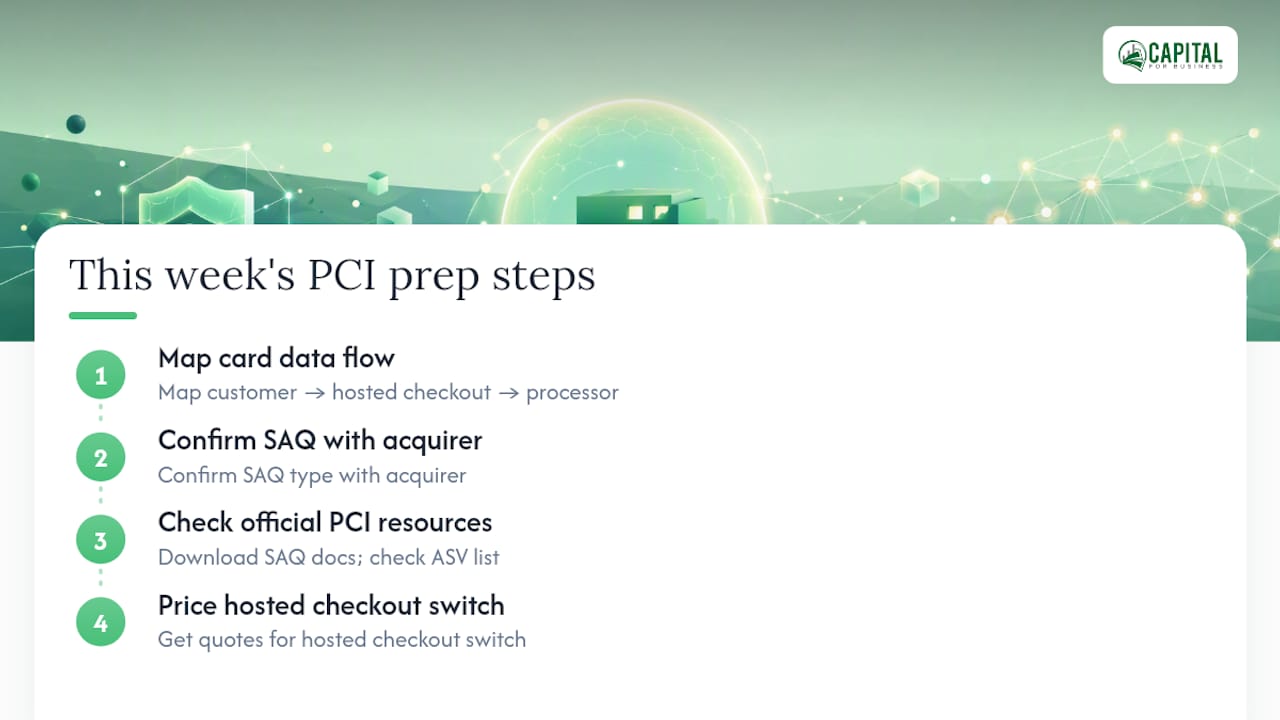
Start with the PCI SSC's merchant resources for official SAQ documents, and check the Approved Scanning Vendors list before booking a scan. E-commerce merchants weighing hosted checkout against a custom build may also find value in reviewing security plugin options for online stores. This week: map your card data flow, confirm your SAQ with your acquirer, and price out a hosted checkout switch.
Why Payment Security Belongs in Every Financing Conversation
Payment security and financing decisions aren't separate conversations, they're the same one. A business with clean payment flows qualifies for financing more easily, while remediation after a scope surprise often means unplanned spending on new terminals or working capital to cover it. Capital for Business regularly hears from owners evaluating exactly this kind of exposure.
— Capital
How Capital for Business Supports Your Payment Security Goals
Descoping to SAQ A often means replacing your payment setup, and that's where equipment costs, terminal upgrades, or processor switching fees show up unexpectedly. Small businesses can fund that transition without draining cash reserves meant for payroll or inventory.

Our credit card processing solutions are built around keeping card data off your systems in the first place, which is the same descoping strategy this guide recommends. If remediation calls for new hardware, equipment financing covers terminal upgrades with same-day funding in many cases. If a compliance project means temporarily tighter cash flow while you implement controls, a working capital loan bridges the gap without disrupting daily operations. We don't select your PCI vendor or run your ASV scan, that's a job for your processor or an approved scanning vendor, but we do fund the equipment and cash flow decisions that come with getting compliant. Check your funding options today to see what fits your timeline.
Sources
- PCI Security Standards Council – Merchant resources
- PCI DSS compliance for small business: Requirements guide — SmallBizHandbook
- Approved Scanning Vendors — PCI SSC
- PCI compliance for small merchants — Paytia
FAQ
Does a Small Business Need to Be PCI Compliant?
Yes. PCI DSS applies to any business that accepts, processes, stores, or transmits payment card data, with no size-based exemption.
Can I Do PCI Compliance Myself?
For most small businesses in Level 4, yes, you can complete your own Self-Assessment Questionnaire without hiring a QSA. You cannot, however, self-run the quarterly external scan; that must come from an Approved Scanning Vendor when your SAQ requires one.
Do I Need to Be PCI Compliant if I Use Square?
Yes, though your workload shrinks substantially. Providers like Square handle most of the technical controls, but you still need to complete the applicable SAQ and sign the Attestation of Compliance for your acquirer.
Do I Really Need PCI Compliance?
If any part of a card transaction touches your business, the answer is yes; skipping it risks card brand fines, higher processing rates, and the full cost of a breach if one occurs. Choosing a hosted checkout or tokenized payment flow keeps the requirement manageable rather than burdensome.